

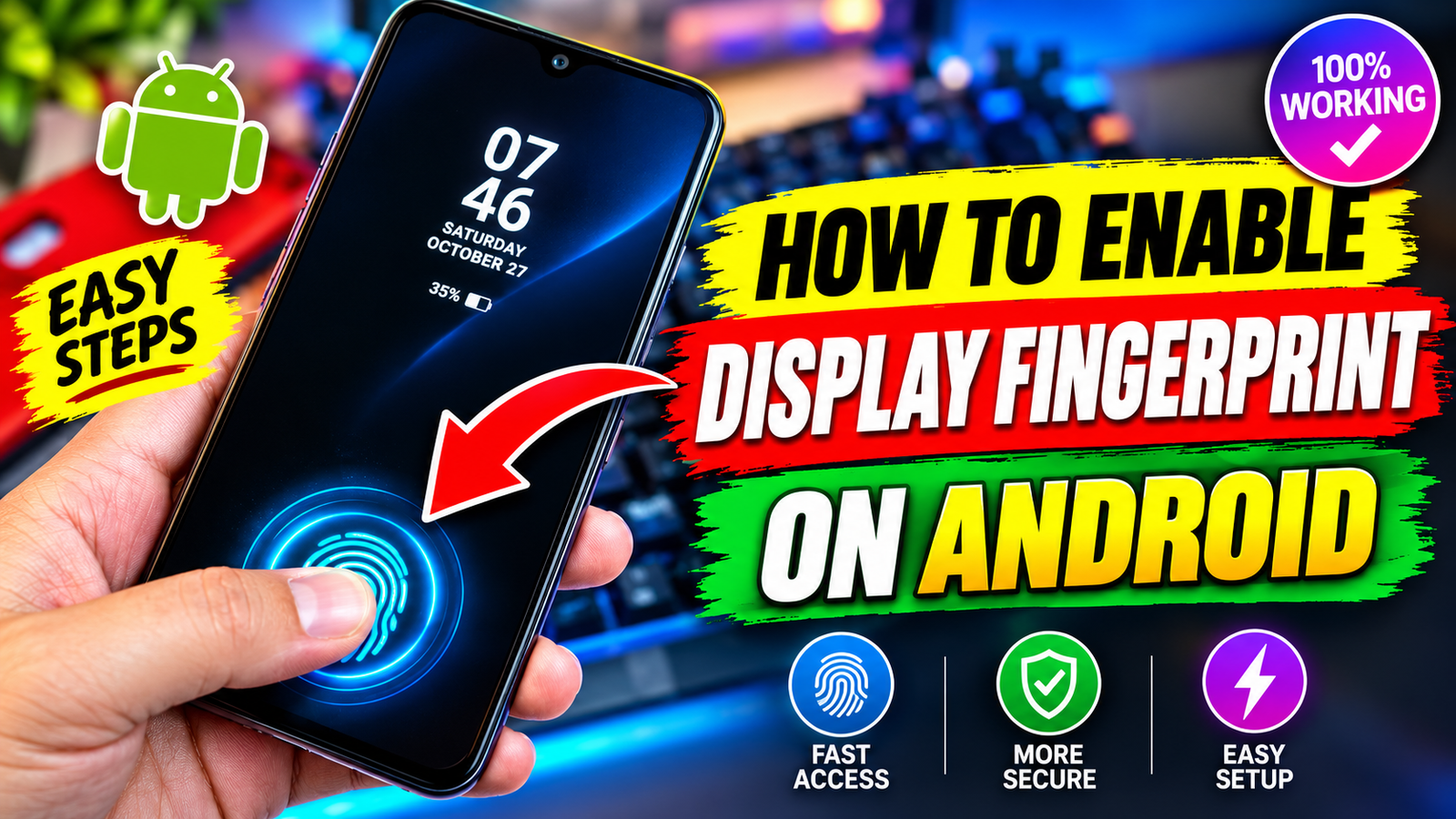
Upgrade Your Setup: The Ultimate Guide to Fingerprint Animation Lock Apps
Every time you wake up your phone, what do you see? A plain clock, a flat wallpaper, and maybe an invisible sensor waiting for your thumb.
It works, but it feels stale.
Most modern Android phones come with impressive AMOLED screens capable of deep blacks and electric colors. Yet the default lock screen rarely takes advantage of that hardware. This is where a fingerprint animation lock setup changes everything.
Instead of tapping a dead patch of glass, you get vibrant neon rings, pulsing laser ripples, and sharp biometric scan effects that react instantly under your thumb. It makes picking up your phone feel less like checking an appliance and more like booting up a handheld piece of sci-fi tech.
Let’s look at how these animation apps work, how to customize them without draining your battery, and the important difference between visual styling and real device security.
What Is a Fingerprint Animation Lock?
A fingerprint animation lock is a personalization tool that overlays dynamic, moving graphic effects right where your optical or ultrasonic scanner sits.
Some smartphone manufacturers (like OnePlus, Xiaomi, and Samsung) include a handful of built-in animations. However, their options are usually limited to two or three tame designs. Dedicated third-party fingerprint animation apps unlock an entire gallery of dynamic themes:
Cyberpunk Scanners: High-tech blue and green matrix grids that scan back and forth.
Particle Bursts: Neon sparks and kinetic ripples that shoot outward when your finger touches the glass.
3D Depth Rings: Layered geometric circles that look like an iris shutter opening on your display.
Minimalist Glowing Borders: Subtle, glowing halos designed for dark mode purists who hate clutter.
These tools are built purely for aesthetics. They refresh your device’s personality so you get an eye-catching visual experience every single time you tap the glass.
Visual Flair vs. Device Security: What You Must Know
Before customizing your screen, let’s clear up a common misconception:
A third-party fingerprint animation lock app is a visual customization theme, not a cryptographic security barrier.
Your phone’s actual biometric security is handled deep inside the operating system via a protected hardware enclave (such as Android’s TrustZone). Third-party apps cannot—and should not—replace that hardware protection.
How They Work Together
Your Native Phone Lock: Handles PINs, passwords, face recognition, and actual biometric authentication. Keep this turned on at all times.
The Animation App: Runs as an interactive live display or visual overlay when the screen wakes, giving you that scanner aesthetic.
Think of it like putting custom LED headlights on your car. They look fantastic and turn heads, but your actual car keys are still what keep the vehicle safe. Never disable your primary phone lock when using an aesthetic theme.
Standout Features of Modern Fingerprint Animation Apps
Not all customization tools are created equal. High-quality animation suites focus on high frame rates, sharp resolution, and quick responsiveness. Here are the features worth looking for:
1. High-Definition 3D Effects
Cheap animations look pixelated, especially on sharp Quad-HD or 1080p OLED panels. Quality apps deliver crisp 60fps renders that match your screen’s native refresh rate, ensuring fluid, stutter-free movement.
2. Precise Screen Alignment
Because optical and ultrasonic fingerprint scanners sit at slightly different heights across different phone models, good apps allow you to scale and drag the animation. You can pinpoint the graphic right over your actual sensor.
3. Matched Wallpaper Pairs
A glowing neon blue animation looks disjointed if your background is a bright family photo taken at the beach. Modern apps often bundle matching dark-themed wallpapers—such as brushed carbon fiber, abstract space scenes, or moody cityscapes—that naturally blend into the glowing scanner rings.
Step-by-Step: How to Set Up Your Animation
Setting up your new lock display takes less than two minutes. Here is the standard process:
Download a Reputable Animation Tool: Choose a well-reviewed live animation app from the Google Play Store.
Select Your Style: Browse the gallery and pick a theme that matches your taste—whether that is a glowing 3D vortex or a sharp biometric grid.
Adjust Size and Position: Place your finger naturally on your phone screen to check where your thumb lands. Use the app’s positioning sliders to shift the animation horizontally and vertically until it aligns with your sensor.
Choose a Matching Wallpaper: Select an AMOLED-friendly dark backdrop within the app so the neon scanner pops off the screen.
Preview and Apply: Hit the preview button to test the transition. Once satisfied, apply the theme to your lock display.
Optimization Tips: Keeping Your Battery Healthy
One common worry with live wallpapers and interactive locks is battery drain. Fortunately, with a few smart adjustments, your phone can look great all day without running out of power before dinner.
Use True AMOLED Black Backdrops
OLED and AMOLED displays light each pixel individually. When displaying pure black (#000000), those pixels turn off entirely, using zero power. Pairing a bright neon animation with a jet-black background minimizes total energy draw.
Set Animation Duration to Short Bursts
You do not need an animation running continuously in a loop while your phone sits idle. Adjust the app settings so the animation triggers only when the screen wakes and plays for 1 to 2 seconds.
Whitelist Background Behavior Sensibly
Some aggressive battery savers close animation services as soon as you put your phone in your pocket. If the animation fails to load when you pull your phone out, check your device’s battery optimization settings and allow the app to run in the background.
Is a Fingerprint Animation Lock Right for You?
Personalizing your tech is half the fun of owning an open platform like Android. If you are tired of the same dull lock screen you have stared at for months, trying a fingerprint animation lock is a painless, zero-risk upgrade.
It adds an immediate pop of style, turns a mundane tap into a satisfying visual cue, and lets you show off your display hardware. As long as you keep your genuine system passcodes enabled underneath, it provides the perfect blend of day-to-day security and futuristic style.
Frequently Asked Questions
Does a fingerprint animation lock slow down phone unlocking?
Well-optimized apps use lightweight assets that load in milliseconds, meaning you will not notice any lag during everyday use. However, running heavy live backgrounds on budget devices with low RAM may cause a tiny split-second hesitation.
Can these animations work on phones with physical rear or side-mounted scanners?
Yes. While they were originally designed for in-display optical scanners, many people use them on phones with side-mounted or rear buttons simply for the visual tap effect on the front glass. You can place the animation anywhere on your home or lock screen.
Will a live fingerprint animation burn into my AMOLED screen?
No. Screen burn-in happens when a static, unmoving image stays lit at maximum brightness for hundreds of hours in the exact same spot. Because fingerprint animations move constantly and only show up for a few seconds when waking the phone, burn-in risk is virtually nonexistent.

Watch Full Video
https://youtu.be/WiREAunXfN8